
Help · Bot Wars
Bots at your forms and on your storefront
“These aren’t the droids you’re looking for.”
Your sign-up forms and your storefront are public: anybody, and anything, can reach them. Most bots that try them are waved along without ever becoming a profile, and none of them can tell.
Move along: a bot that fills in your form
Every form carries a field people never see and bots fill in. A submission that fills it is thanked exactly like anybody else, is given no discount code, and is then dropped: no profile, no consent, nothing recorded. The bot cannot tell it was caught, which is the point.
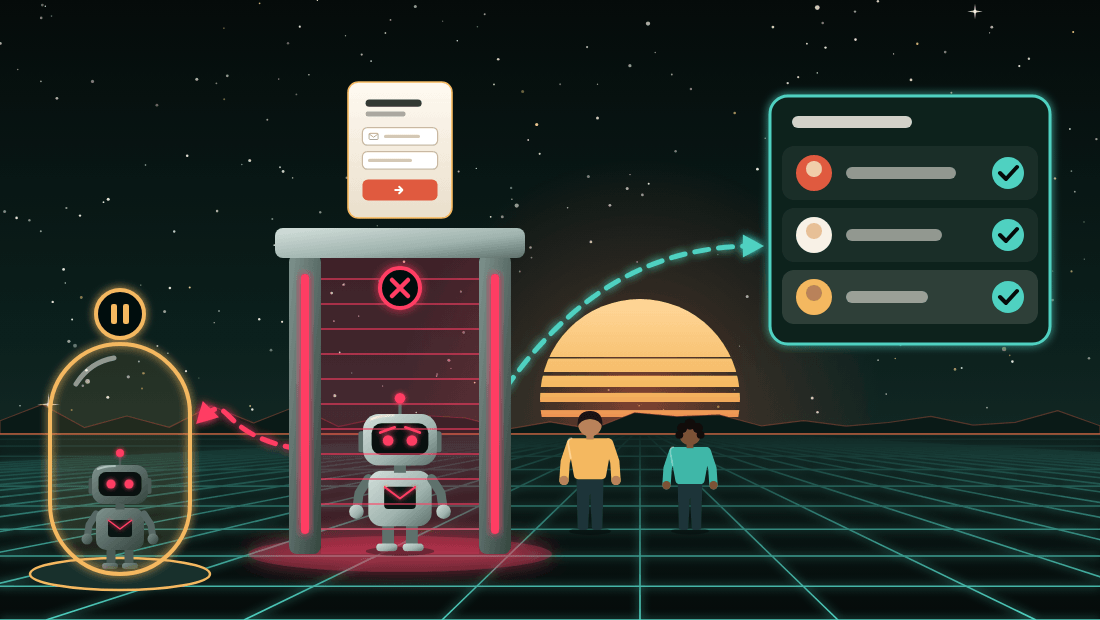
The field is hidden from screen readers and from the keyboard as well as from the eye, so a person using either never reaches it and never loses a sign-up to it.
Too many sign-ups from one place
The same address, the same browser or the same connection submitting a form over and over is dropped the same quiet way once it passes a limit. The bot sees a thank-you, and you see nothing, because nothing was written.
Your forms and your storefront’s tracking also cap how fast any one connection can send to them at all, so a flood is turned back before it reaches your store’s records.
Addresses nobody can vouch for
Every address typed into a form is checked as it is submitted, down to whether its mailbox exists. One that passes is confirmed, and you can email it at once. One that does not is still thanked and its consent recorded, but it reads Not confirmed yet and is never emailed until your store confirms it, most often with an order.
The check asks three things: that the address is written correctly, that it is not a throwaway email service, and that its mailbox exists.
“He’s dead, Jim.”
A mailbox that does not exist would bounce the first time you emailed it, and a bounce is exactly what hurts your sending reputation. So it is never emailed on the strength of a form alone.
The person typing never sees which way their address went, apart from an address written incorrectly, which they are asked to fix. A bot learns nothing by trying again. The Verified identity page explains the check, and What a form collects explains addresses on domains that accept mail for any name.
Phone numbers prove themselves
Once your text-message number is approved, a form that asks for a phone number texts a six-digit code and holds the reward until the code is typed back. A bot that typed somebody else’s number never sees the code, so it never gets the reward, and a new person who gave only a number is confirmed by typing it.
Back-in-stock requests
Every back-in-stock request carries a quick check that a person, not a bot, pressed Notify. Most shoppers never see it; it asks for more only when it is unsure. The back-in-stock pages explain it.
A back-in-stock request is not consent to your marketing, so a bot that gets a request past the check has gained nothing but one notice about one product.
Your storefront’s tracking
Your storefront’s tracking sees browsers, not people. A browser starts anonymous, and an address typed at your checkout links it to a profile that reads Not confirmed yet until your store’s own record of the checkout backs it up. The tracking never records consent, so nothing it sees gives anybody consent they did not give.
Its sightings matter to the bot check in one direction only: nothing it reports can make anybody look like a bot, and seeing somebody browse your store before a checkout can only count in a person’s favor.
The abandoned-checkout automation does not need your storefront to have seen anybody: every checkout that shows no sign of a bot gets the reminder, including a shopper it never saw. A checkout that shows the signs gets one only if your storefront saw a visit before it, whoever’s address it carries. That also means a bot whose checkout shows none of the signs can get the reminder; the app accepts that, so that real shoppers your storefront never saw still get it.
An address you deleted with Never let these addresses back ticked never becomes a profile from your storefront again. The browser stays anonymous.