
Signup forms for your storefront, shown to the people they are for
A popup, a corner card, a bar, a full screen, or a form embedded in the page — built in the same editor as your emails. You choose who sees it and what opens it, and every version you publish stays there to go back to.
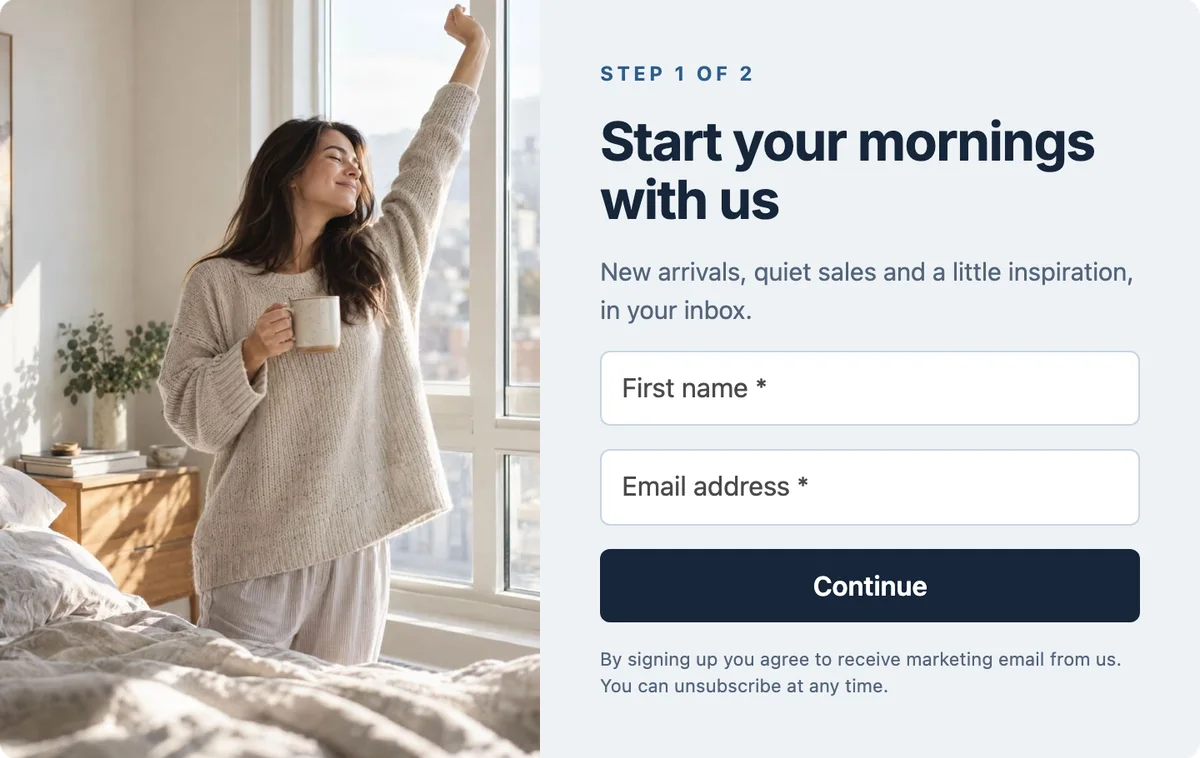
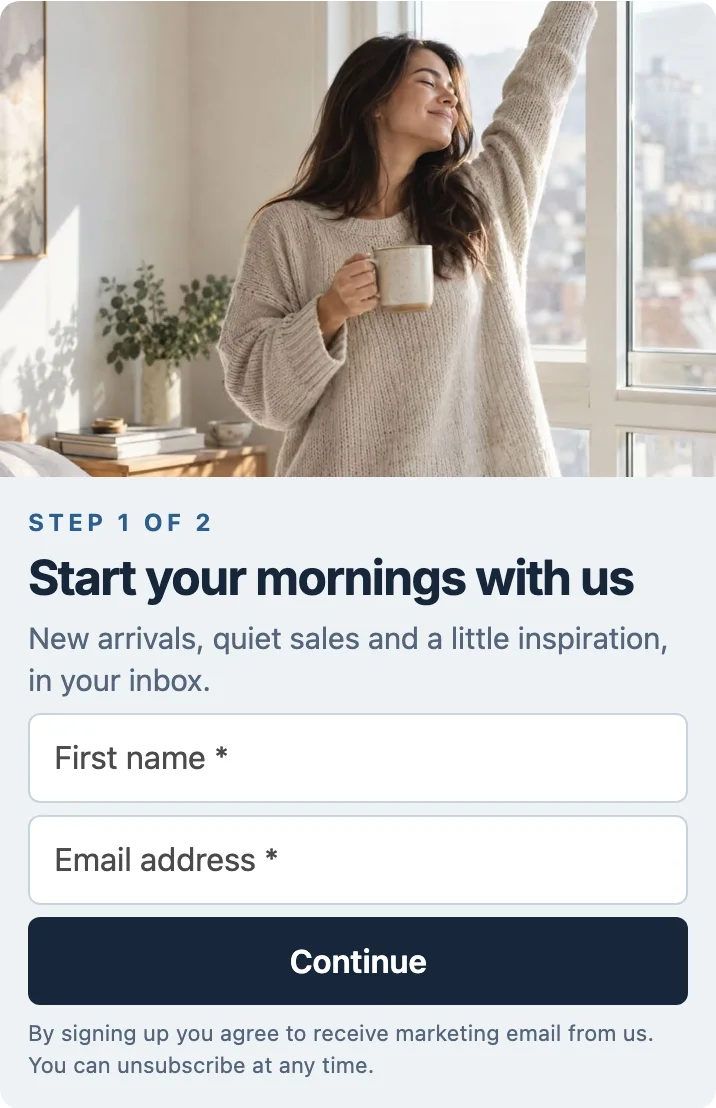 1 · Sign up
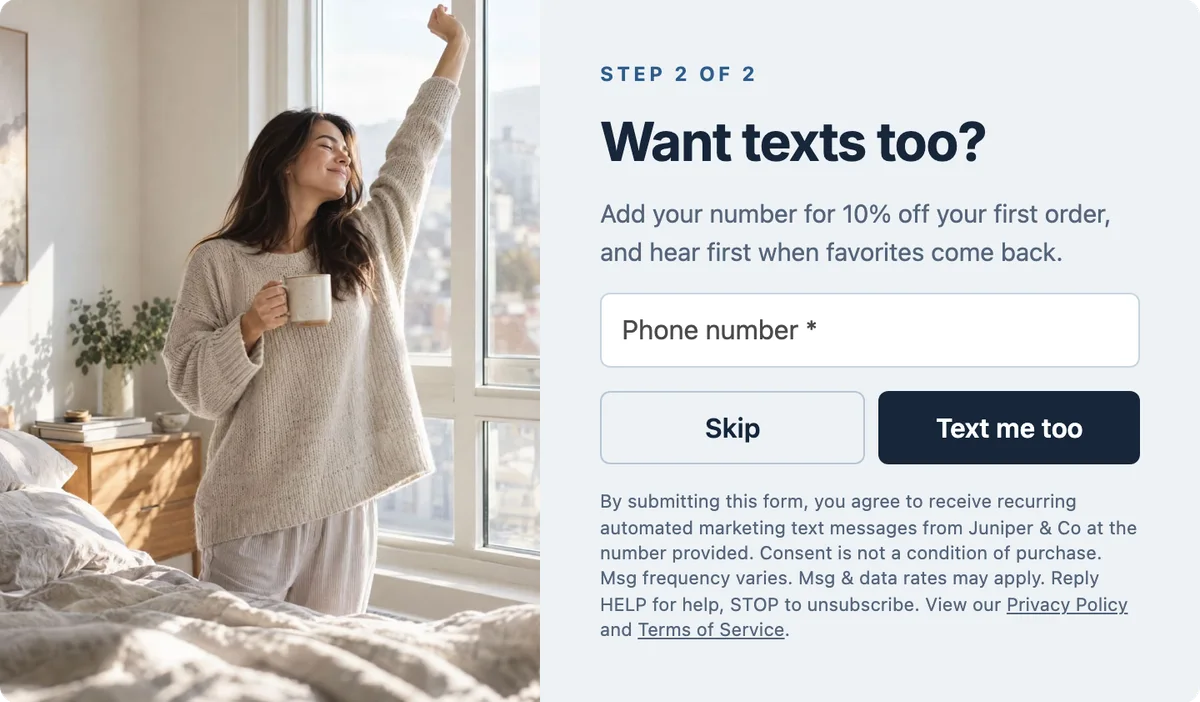
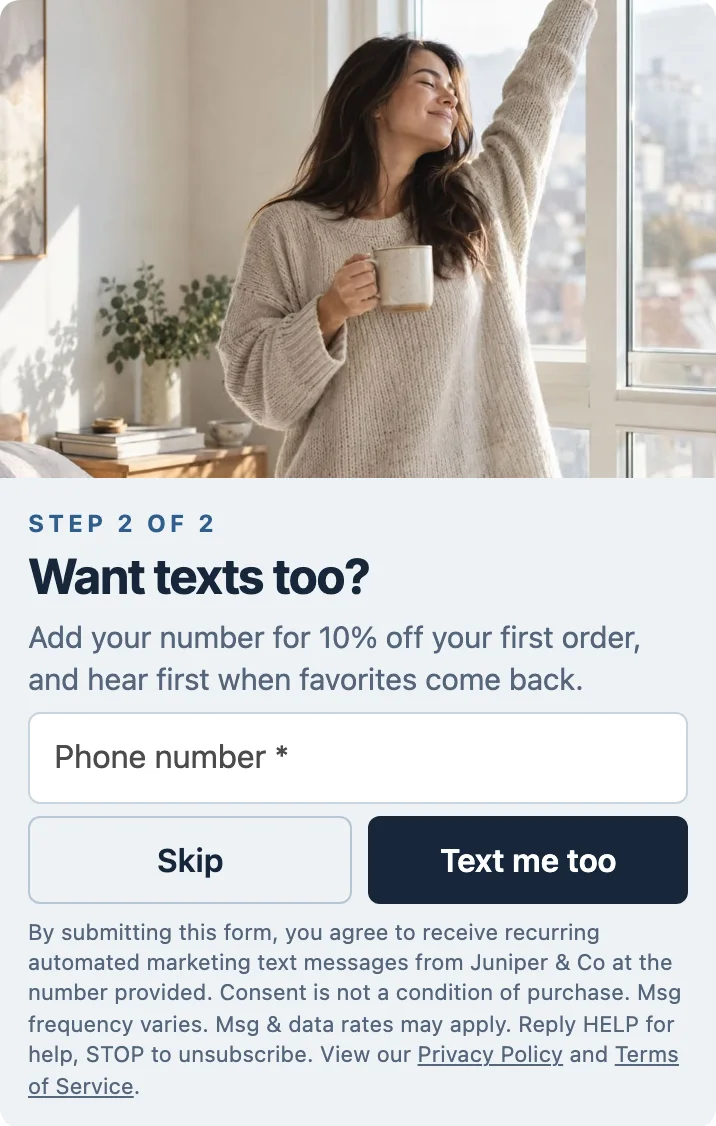
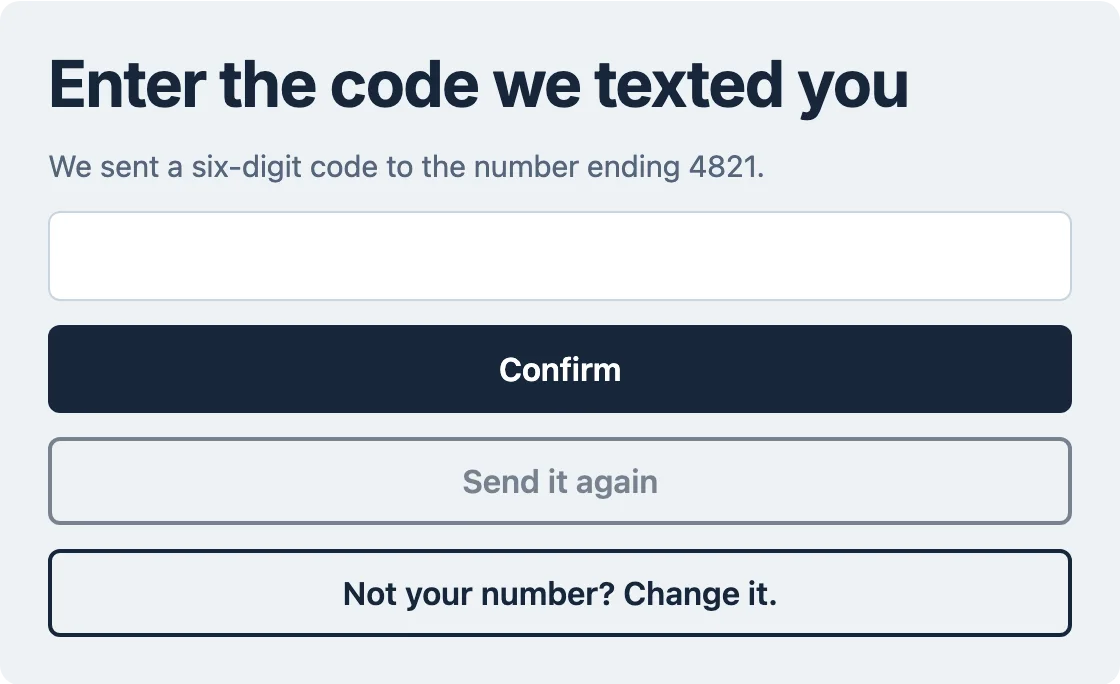
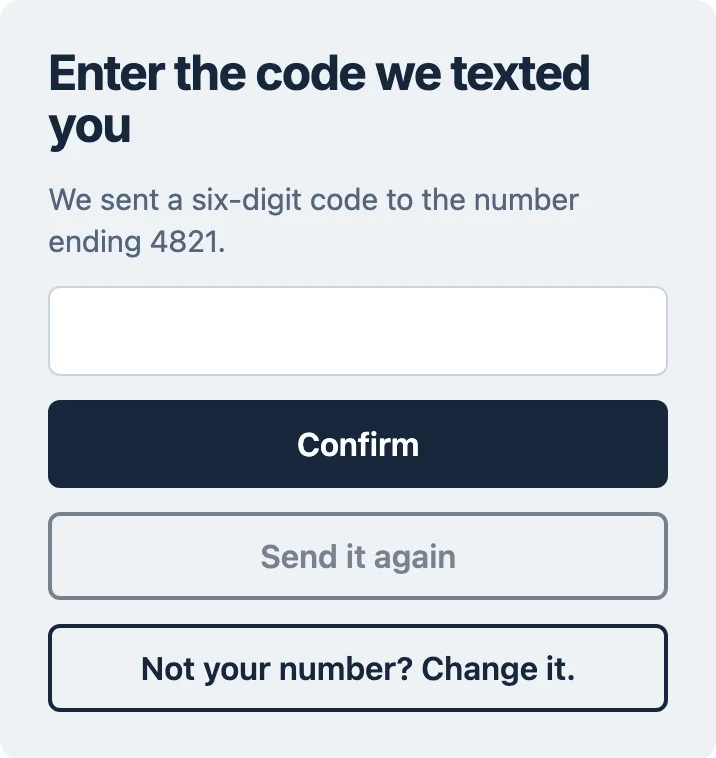
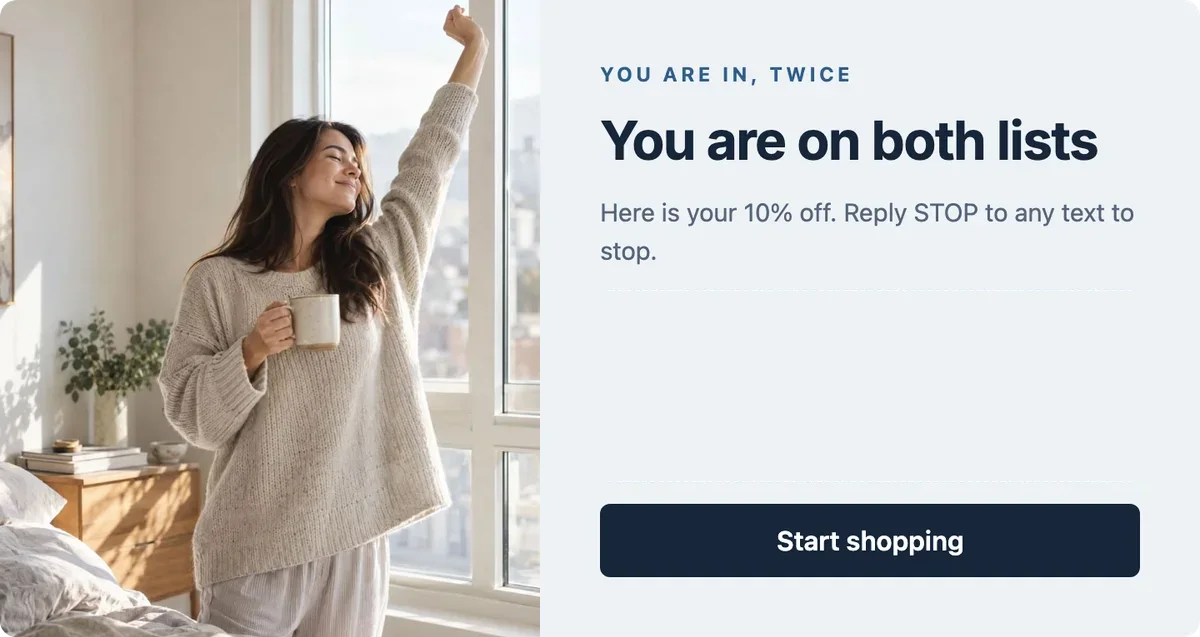
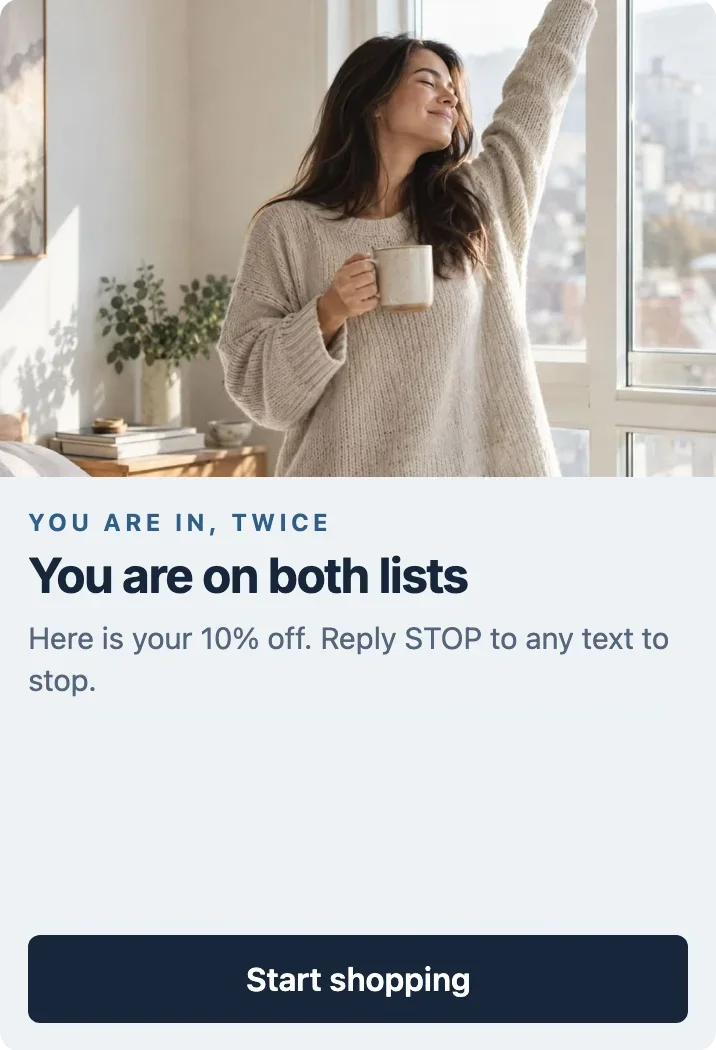
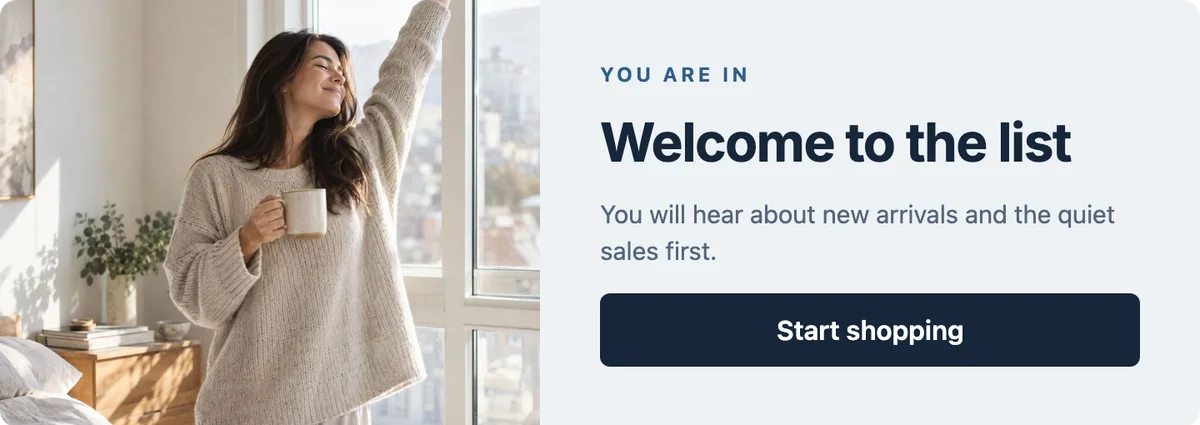
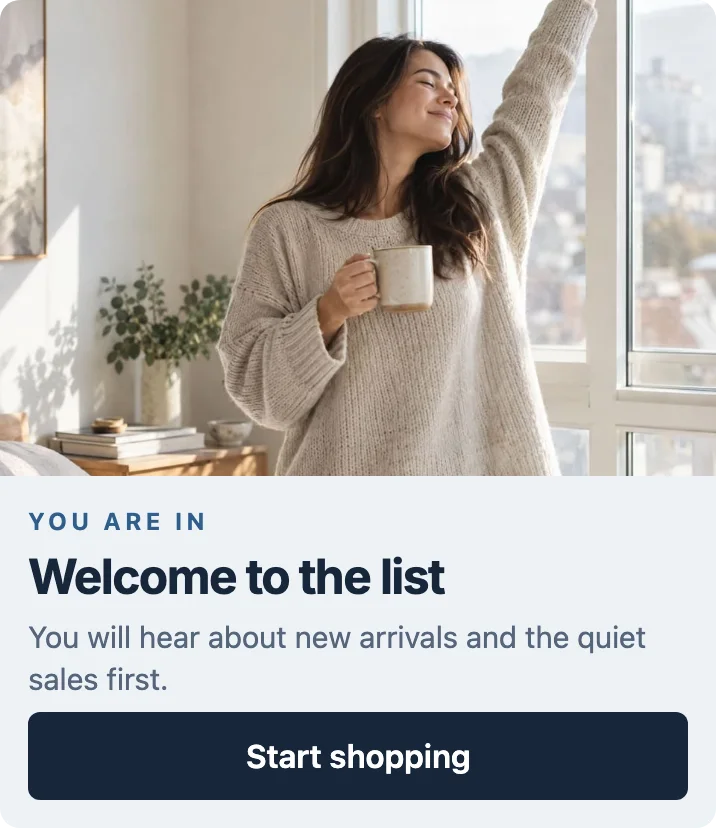
Email, Then Text, one of the forms you can start from: the sign-up, the text-message step, the Easy Opt-in code, and a thank-you for each way it can end.
Easy Opt-in
A phone number that is really theirs.
When a form asks for a phone number, we text that number a six-digit code and the form shows a box for it. The thank-you and any discount code it gives wait until the code is in — so the number on the profile belongs to the person who typed it.
On an iPhone or iPad in Safari, the code is offered above the keyboard and one tap fills it in. On a Mac paired with that iPhone, it is offered in the box’s AutoFill. Anywhere else, the shopper types the six digits.
It starts once the carriers approve your store’s number. There is nothing to set up.
The code screen of Email, Then Text, as it reaches an iPhone and a Mac. The form, the store and the number are samples.
One form, more than one thank-you
A form is a set of panels. A button leads to the next one, and each answer can end on a thank-you of its own — its own words, its own image, its own discount code.
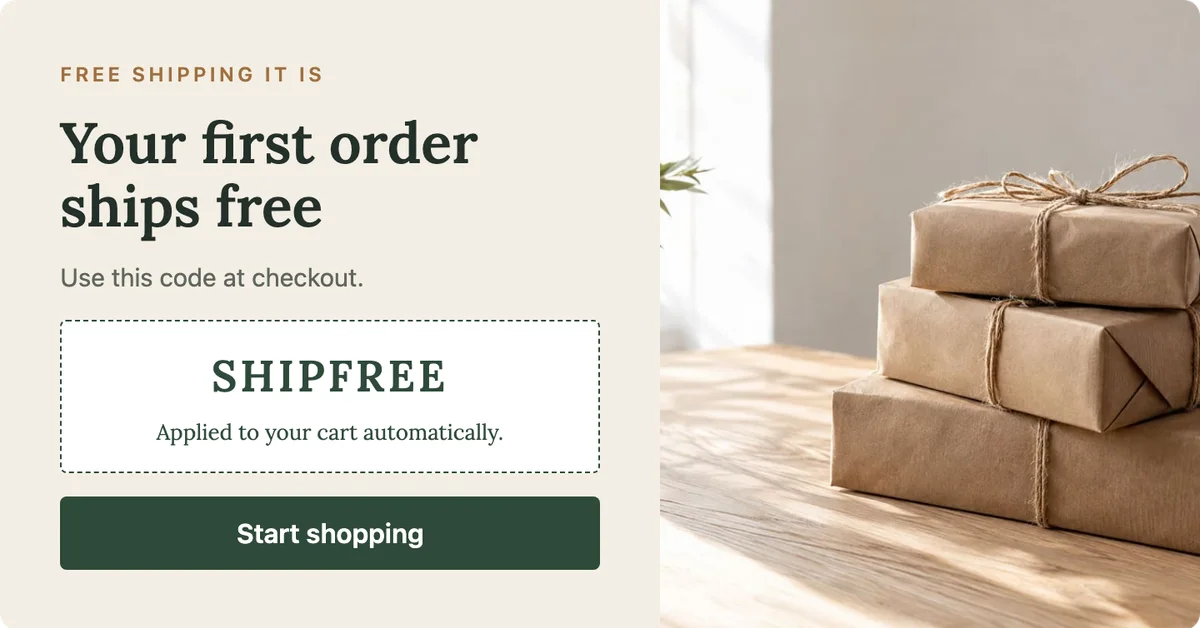
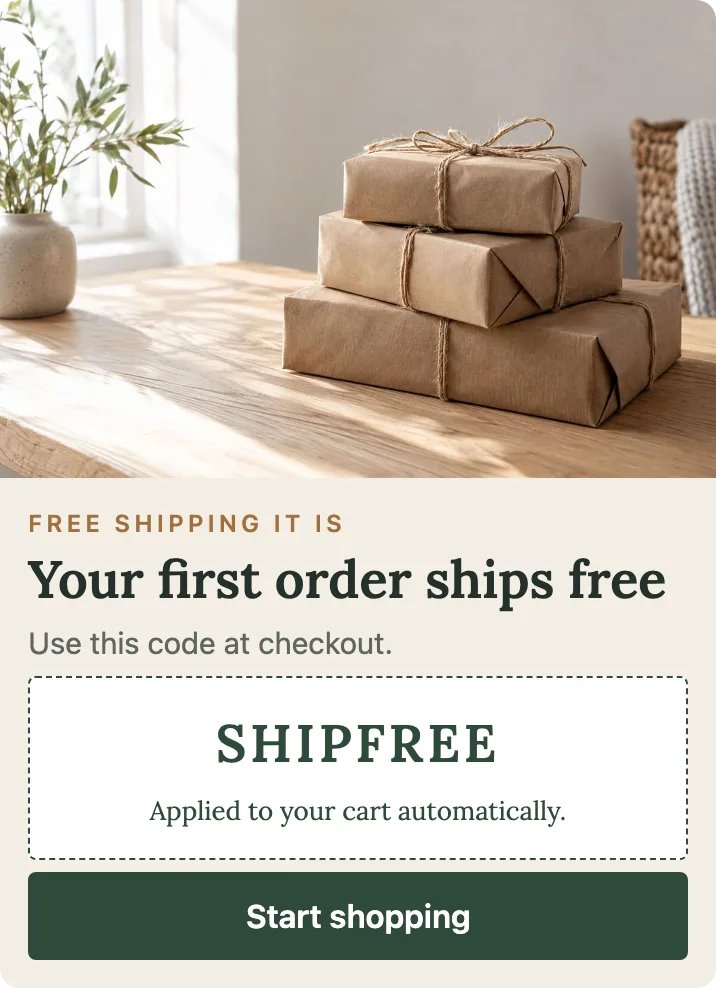
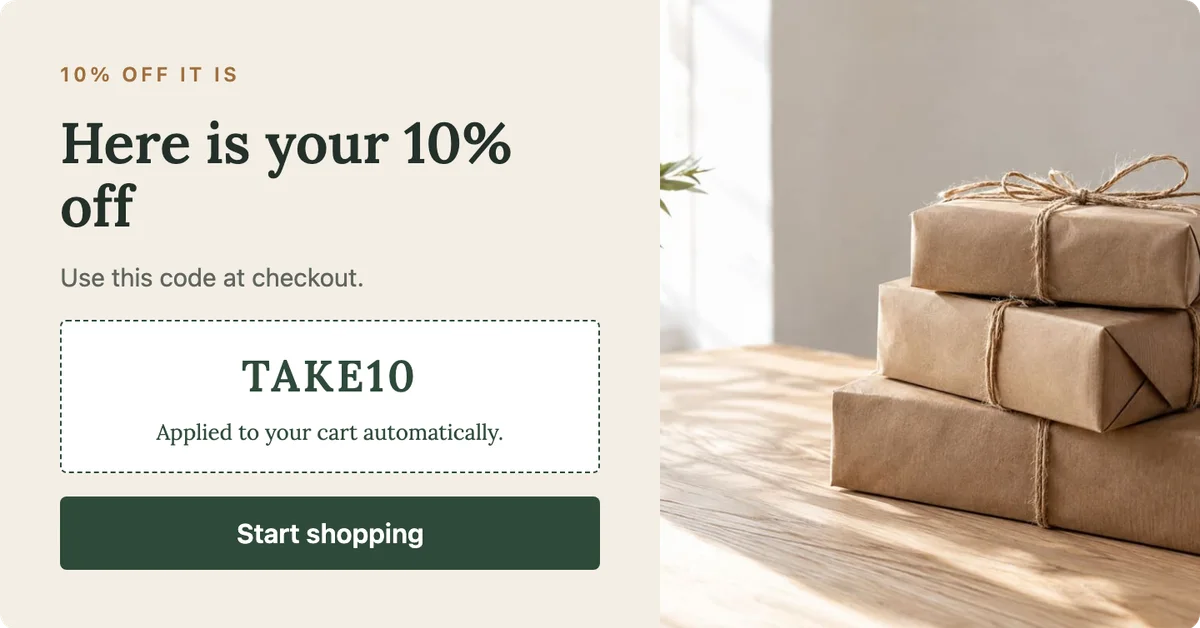
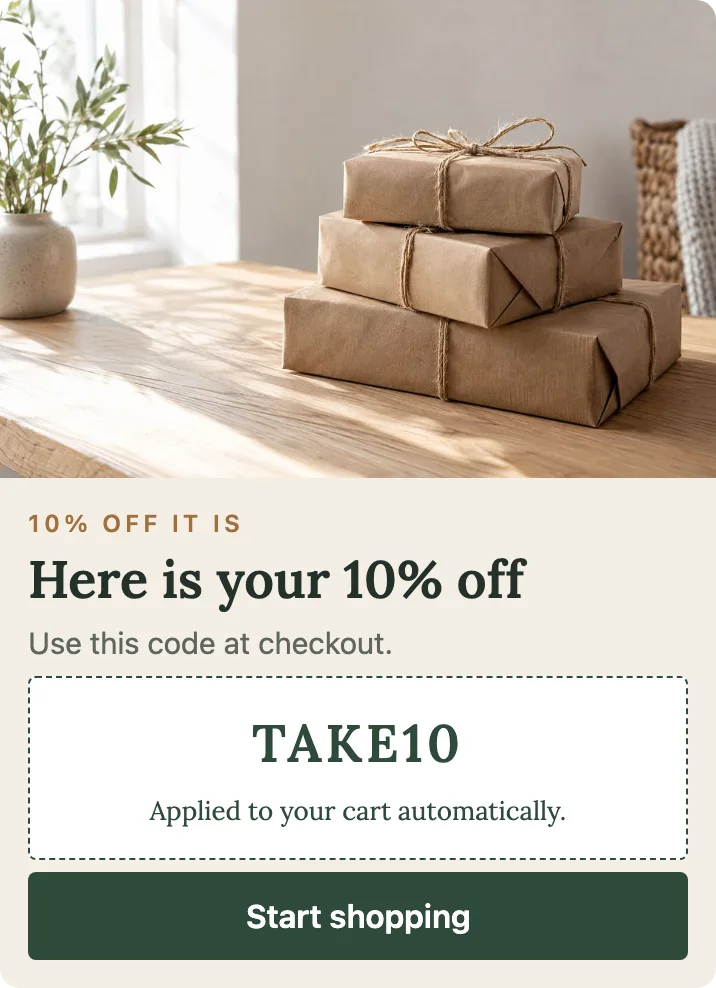
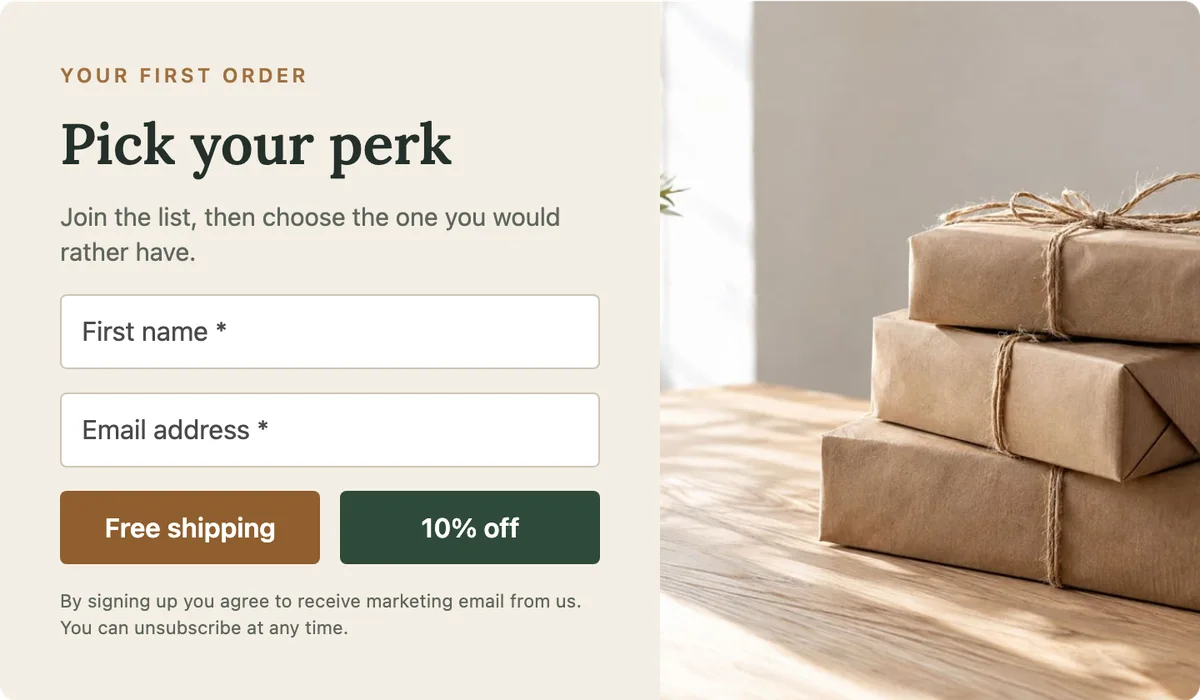
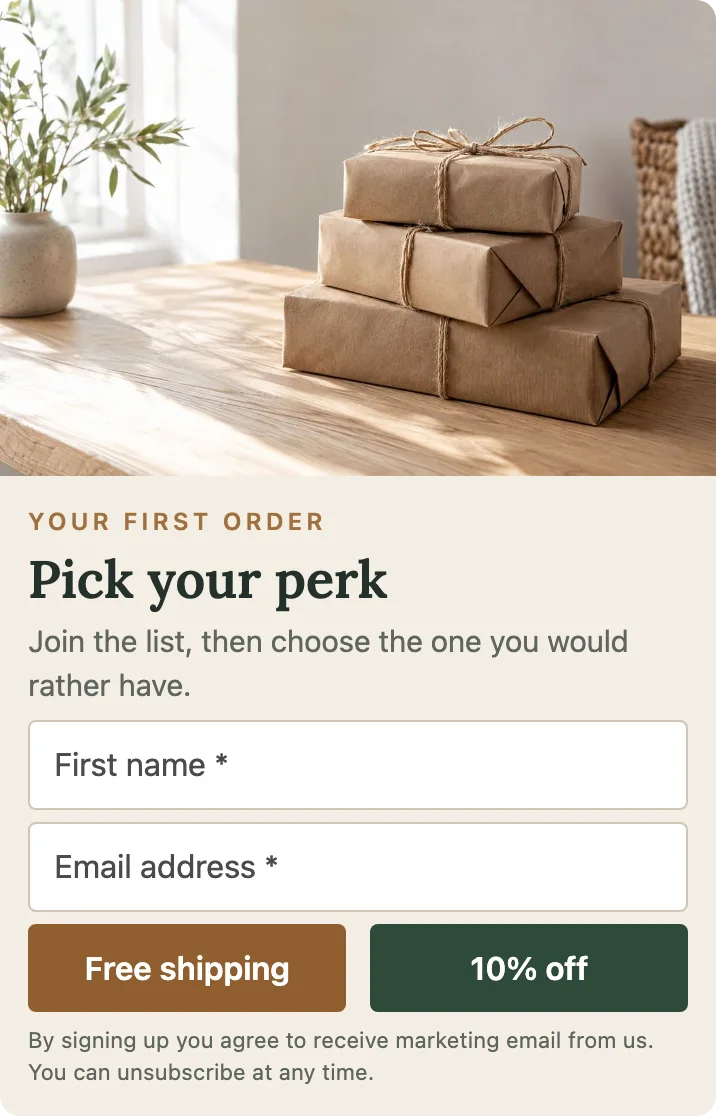
Pick Your Perk
Two buttons, free shipping or 10% off. Each choice has its own thank-you with its own discount code.
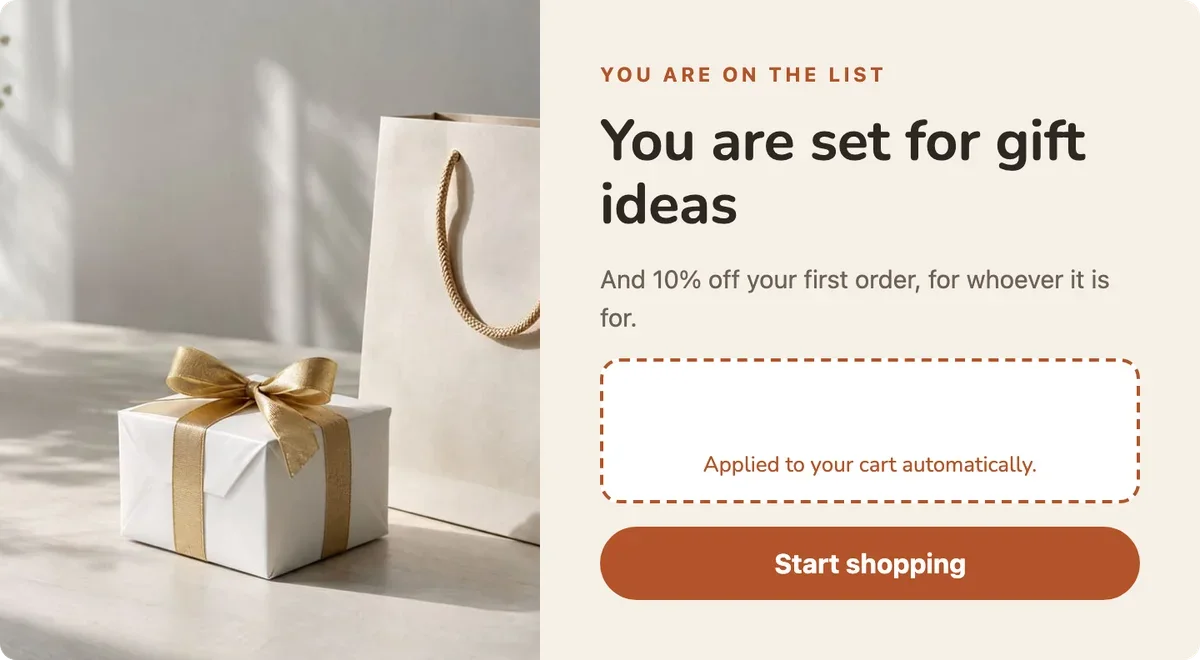
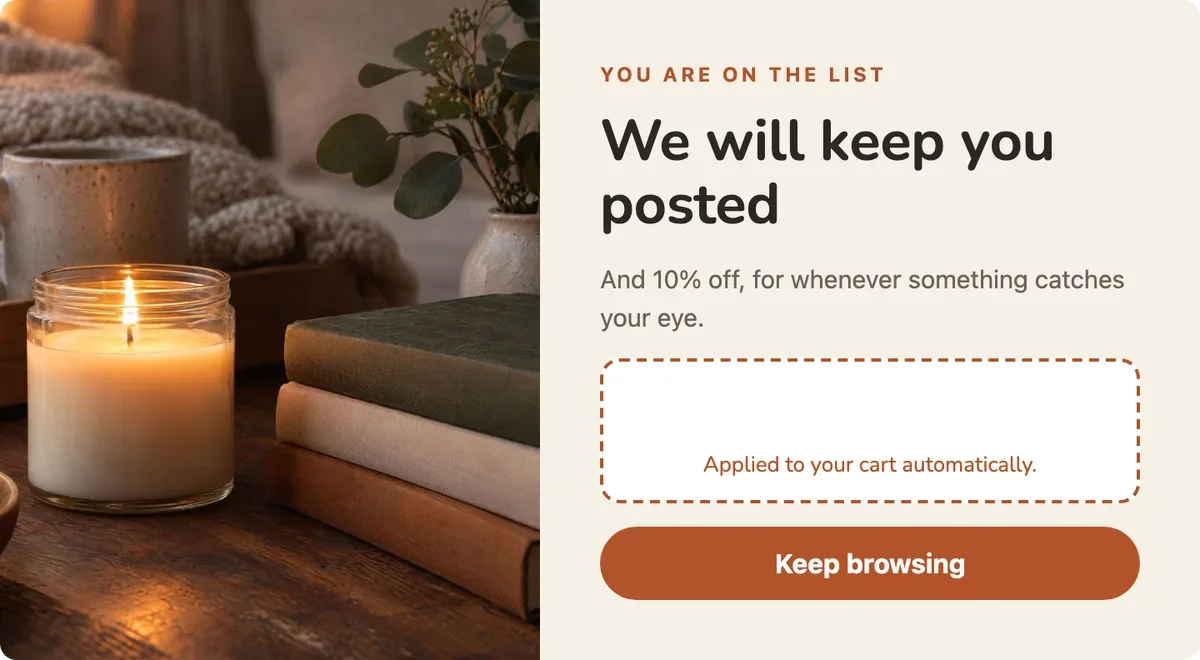
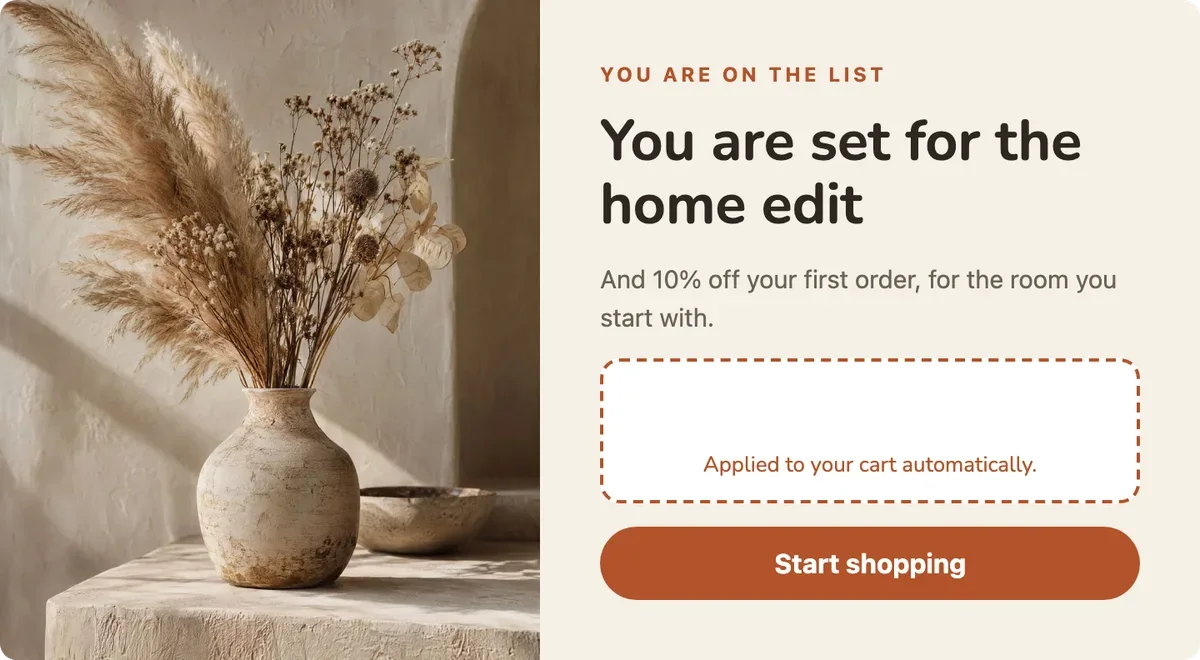
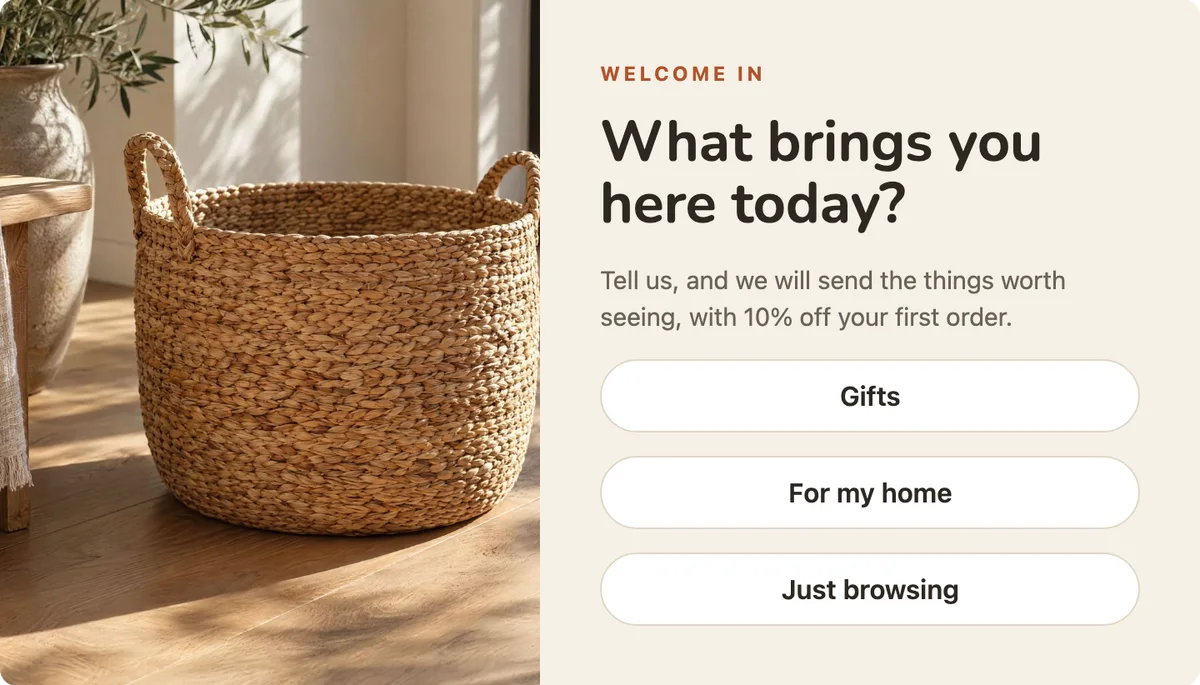
What Brings You Here?
Three answers, each leading to its own email panel with its own image, and its own thank-you with the discount code.
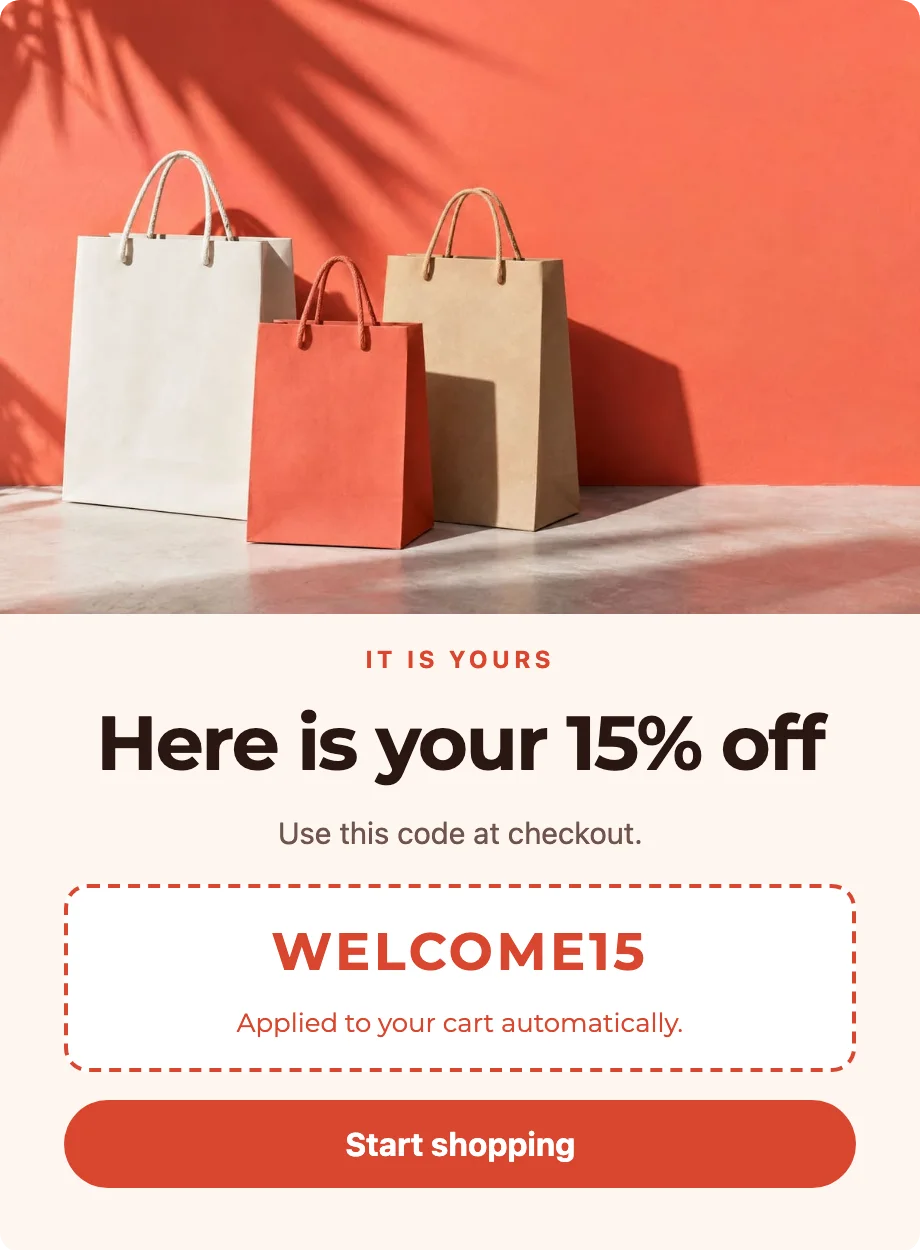
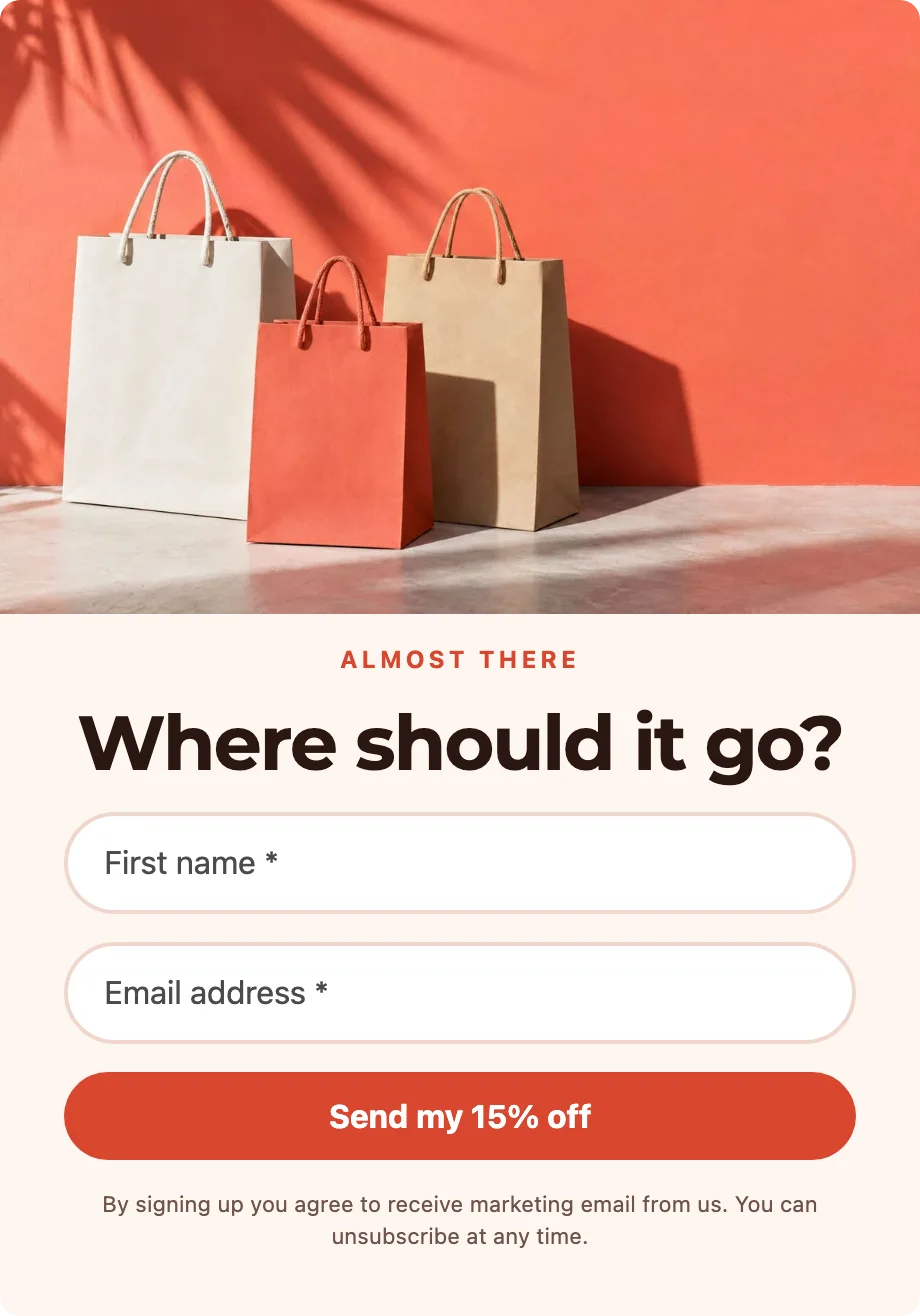
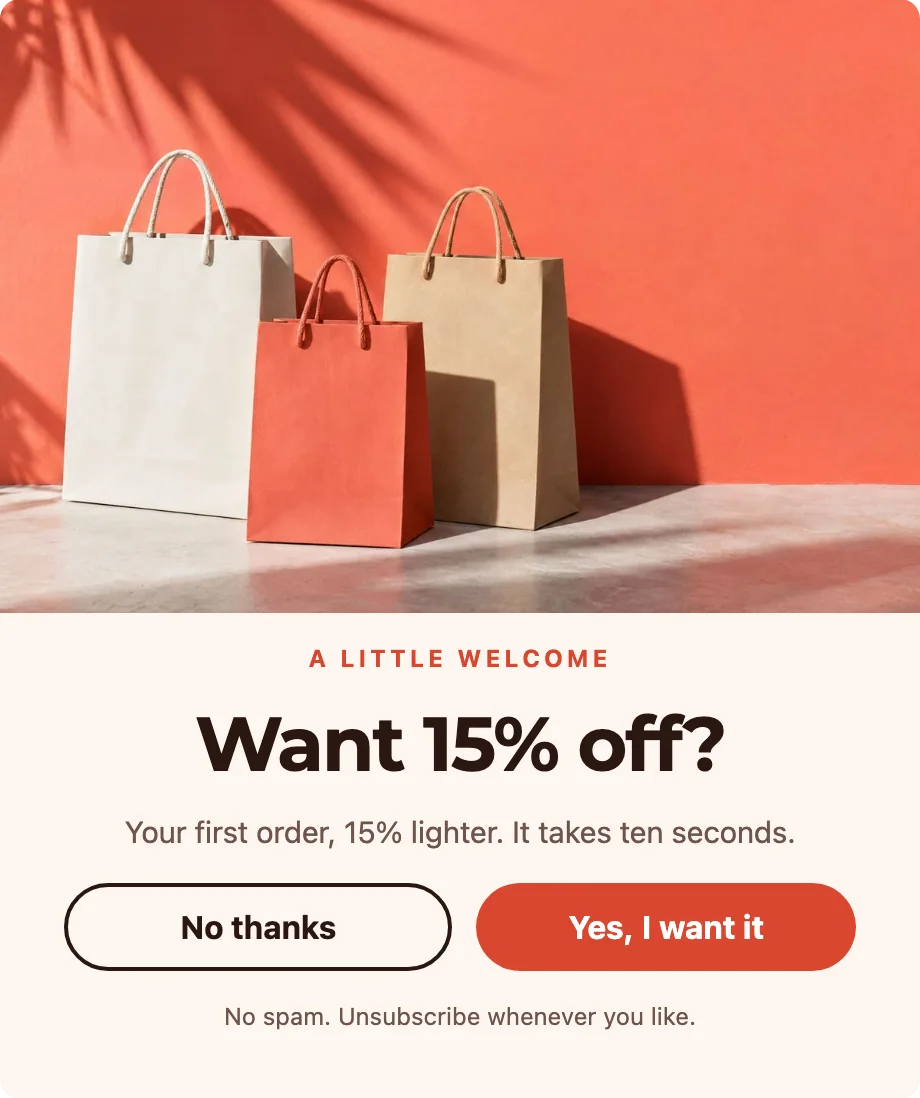
Want 15% Off?
A yes-or-no question first, then a first name and the email address on a panel of their own, then the discount code.
Point at a stack to fan it open. Each is an ordinary form in your editor — the words, the images and the rules are yours to change.
Everyone gets their own code and their own expiration date
Give each person a code made just for them, and see on each profile which codes were used.
Choose how many days a code is good for — 1 day, 3 days, whatever suits the offer. The count starts when that person receives their code, never when you published the form, and their thank-you prints the day it stops working, in your store’s time.
If the discount itself ends sooner, the code ends with it.
One form, a 3-day window, three people: three codes, three different days.
The shape that fits the moment
Popup
In the middle of the page, a few seconds after somebody arrives.
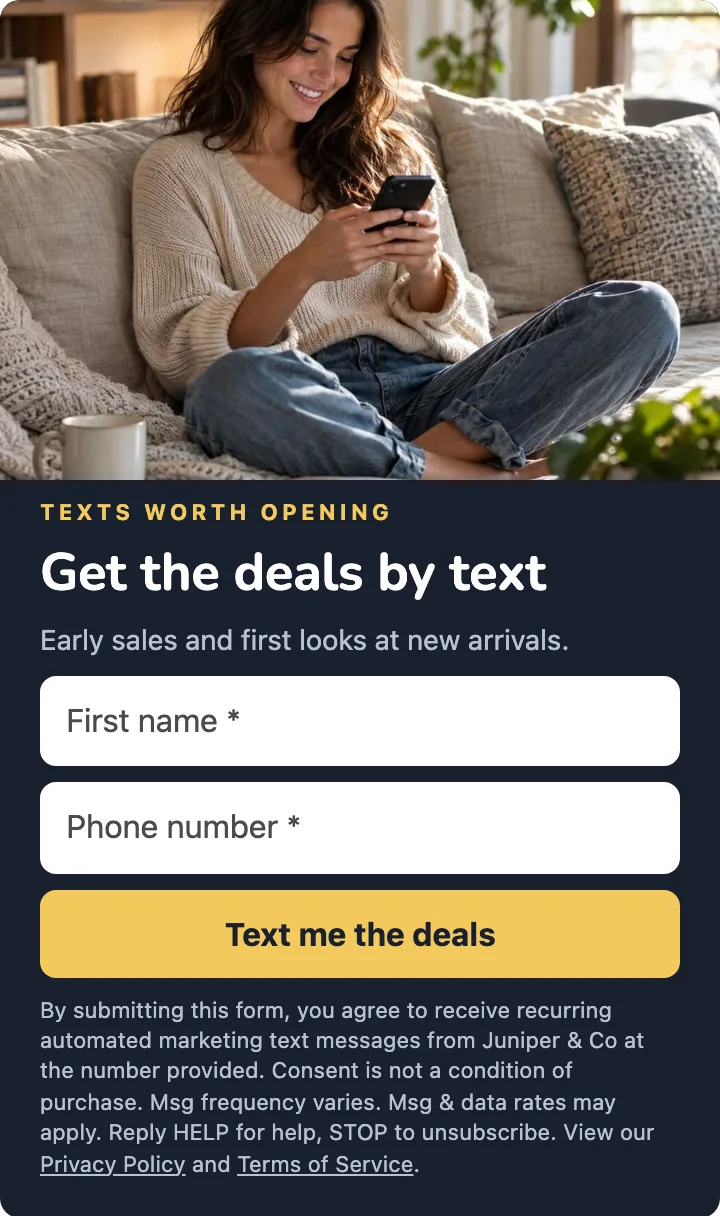
Corner card
Out of the way in a corner, once somebody has scrolled halfway.

Bar
A slim line across the bottom of every page.
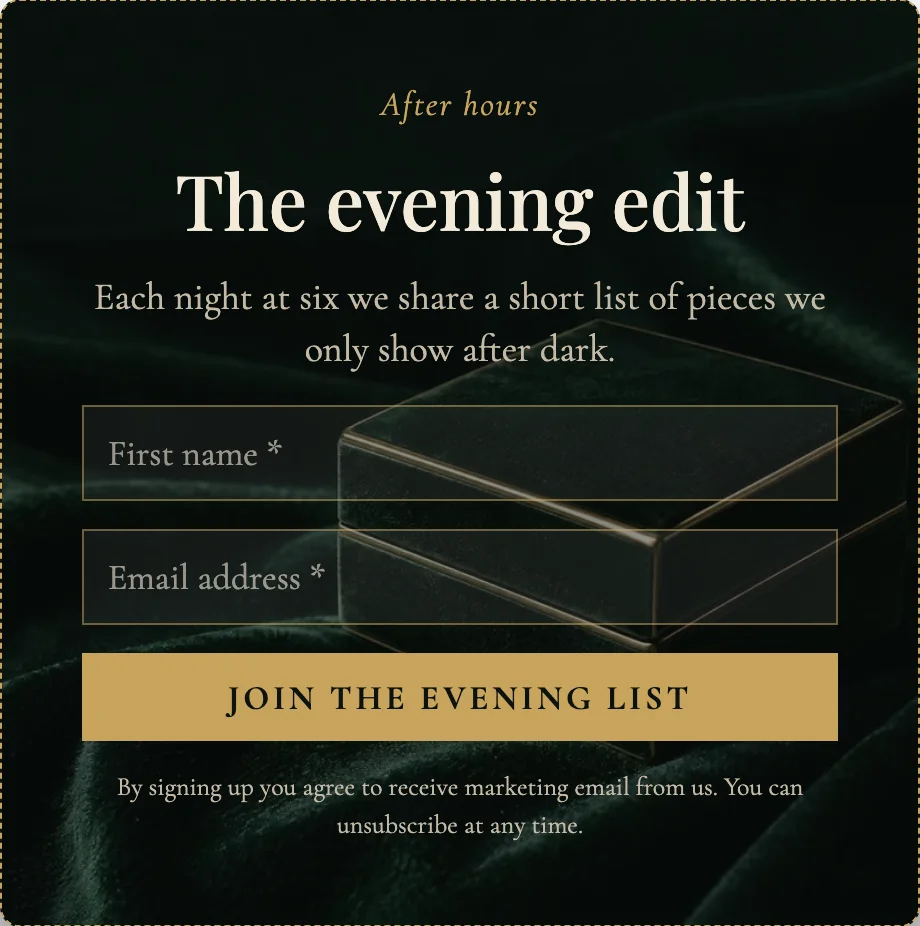
Only in the evening
A form can keep hours: this one shows from six in the evening.
You decide who sees it, and when
By segment, by where somebody is, by what they are looking at, and by what they have already done. When we recognize somebody who is already subscribed, the form does not ask them again.
Consent is recorded as it is given
What the person agreed to, and when, is written on their profile at the moment they agree to it. It is the same record every later send is checked against.
How it works
1. Build it
Pick the format, write the words, add your image. Save a version whenever you want one you can go back to.
2. Choose who it is for
The rule for who sees it, and what opens it — a moment on the page, a scroll, or leaving.
3. Publish it
Enable the app embed in your theme once, and from then on publishing is a single click. Every address that arrives through the form is checked before it is ever mailed.