
Your store’s own discounts, in your emails and your forms
A discount is created in Shopify and mirrored here. Attach it to an email you built in the editor, or to a form, and give everyone the same code or one code each.
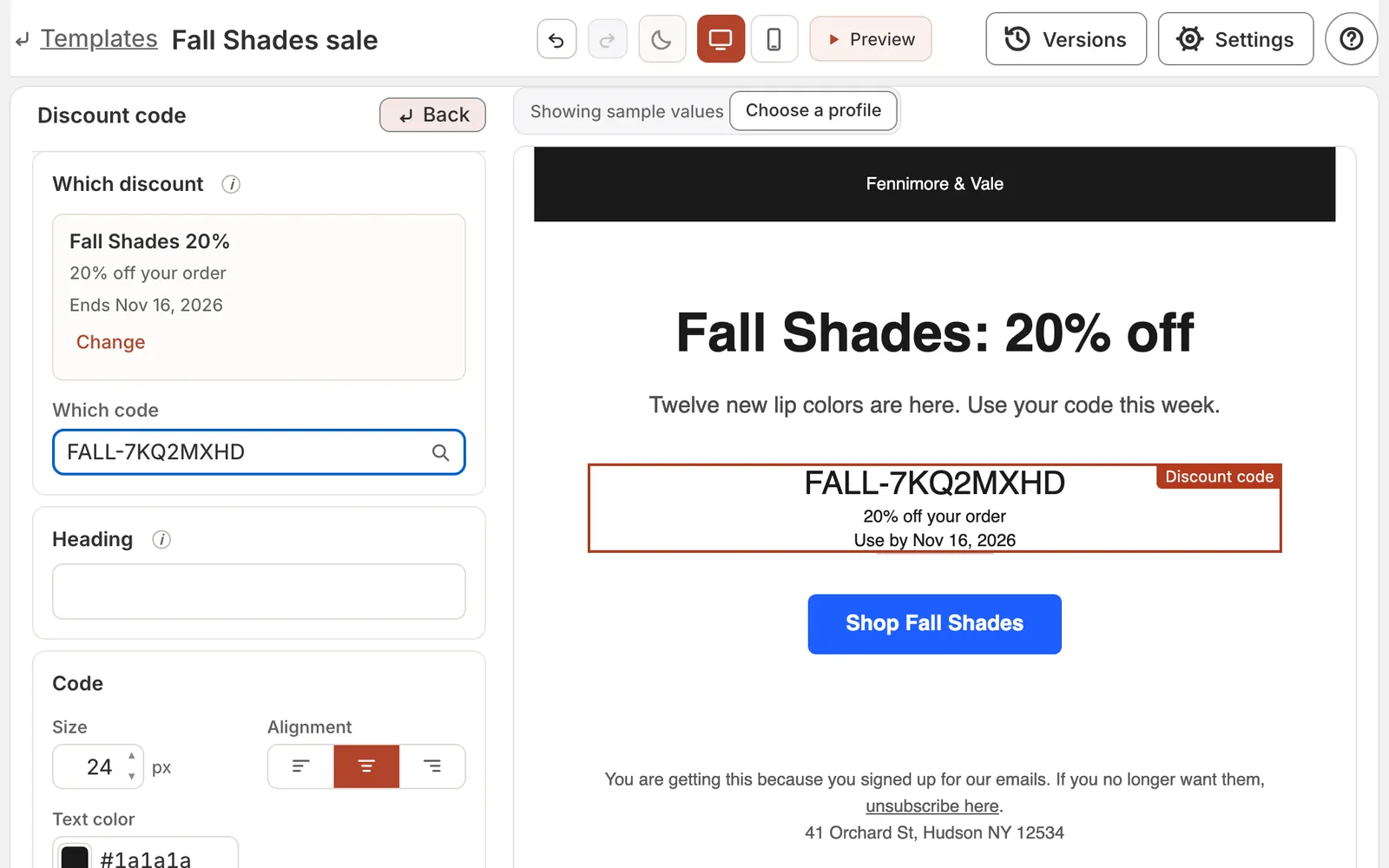
A sale email in the builder: the discount block finds “Fall Shades 20%” in your store’s discounts, and the one code everyone in the send receives fills in, with the day it ends. Shown with a sample store.
A form’s code counts down from the person, not the calendar
Set three days, and each person’s code expires three days after they sign up.
One form, a 3-day window, three people: three codes, three different days.
Shopify sets the rules. We set the clock.
A discount works exactly the way you set it up in Shopify. If you set it to combine with other discounts, it combines; if you set it not to, it does not. Carpe Messaging changes none of that. What we add is when each person’s code expires — counted from the moment that person received it, not from a date you picked for everybody.
Set in Shopify
- Whether it combines (stacks) with other discounts, or not
- The amount or percentage off
- Which products it applies to
- The minimum purchase
- Who can use it
- The discount’s own end date
Set in Carpe Messaging
- When each person’s code expires: the number of days you choose after that person receives it, through the end of that day in your store’s time zone — or the discount’s own end date, if that comes sooner.
- Each code is for one shopper.
A shared code, like WELCOME10, is your own Shopify code, used as it is: its limits and its end date apply exactly as you set them in Shopify.
A campaign’s deadline is one date
You set it when you make the campaign ready to send, and everyone in that send sees the same date.
Shopify’s discount engine, not a copy of it
Your store’s own code discounts, mirrored as they are — amount, percentage, free shipping, buy-X-get-Y. Nothing is re-implemented here.
How it works
1. Create the discount in Shopify
It appears here on its own.
2. Attach it to a message or a form
The block owns the offer. Set the window; the code is the only thing the person sees.
3. Watch it get redeemed
Every redemption is an event on the profile, so segments and analytics see it.